PowerPoint add-in

Consulting-grade decks 10× faster.
Directly in PowerPoint

Access all Slideworks templates, find the right slide faster, share with your team, and build better presentations without leaving PowerPoint.

Try free in PowerPoint

Best-practice slides

Built by ex-McKinsey, BCG, and Bain consultants

Smart AI

Find better layouts and slide formats instantly

Free for existing users

Included for teams with Slideworks access

Slideworks PowerPoint add-in

No more switching windows, digging through folders, or hunting for that “one perfect slide” buried in an old deck. You can now build polished, consulting-grade presentations faster than ever - without leaving PowerPoint.

Try free in PowerPoint
01

Access your full Slideworks library

Use your Slideworks templates directly where you work. Browse, preview, and insert slides without switching between browser tabs, downloads, and local folders.
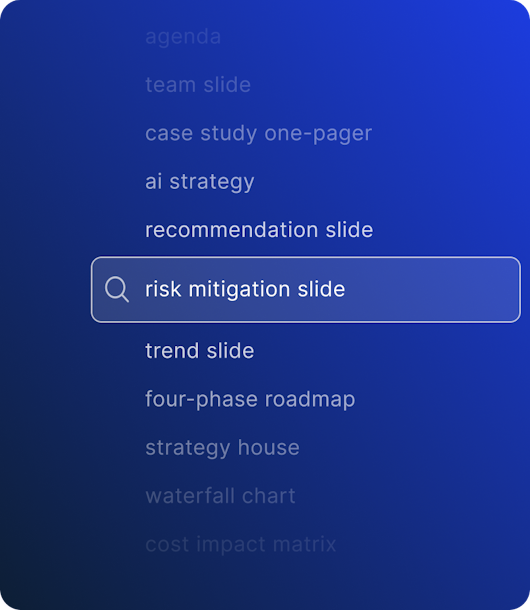
PowerPoint add-in search panel showing Slideworks library results
02

10,000+ consistent layouts & visual Assets

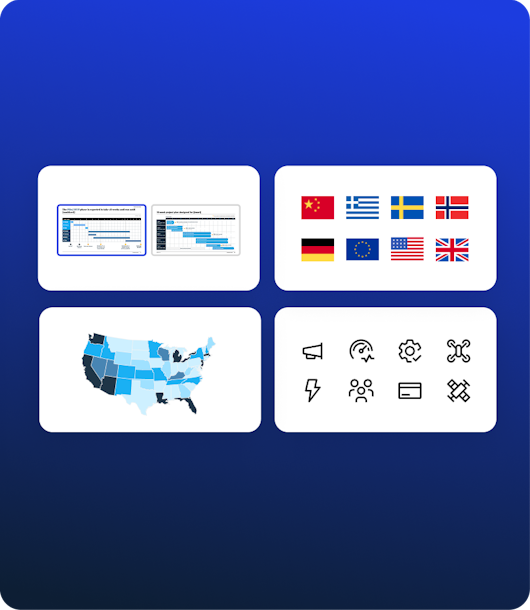
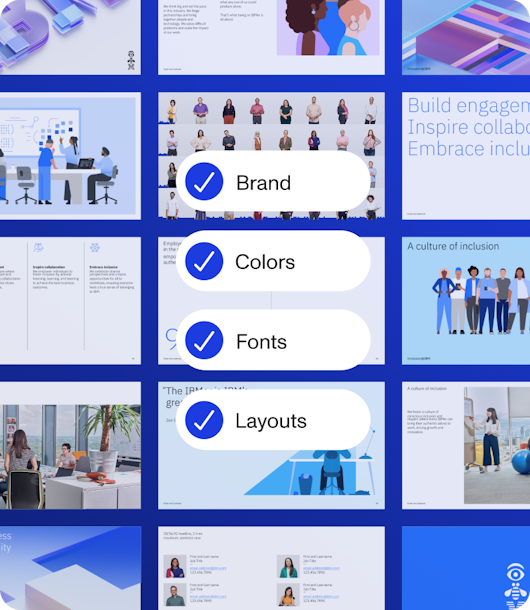
Access an extensive library of layouts, icons, flags, maps, and visual components - fully aligned with your brand. One click pulls any asset directly into your slide.
Asset library in the PowerPoint add-in with layouts, maps, and flags
03

AI-Powered Slide Search

Select a slide and let our AI suggest better layouts or matching alternatives. Upgrade weak slides instantly.
AI slide search suggesting improved slide layouts inside PowerPoint
04

Manage your own slide library

Keep your best slides, decks, images and assets organized in one place — ready for you or your team to use.
Company slide library managed through the Slideworks add-in
05

Share with your team

Stop rebuilding the same slides. Your team's best work, plus 10,000+ Slideworks assets, in one shared library.
Team members sharing Slideworks content around a central workspace

Simple pricing for individuals and teams

Slideworks supports the scale and compliance needs of the modern enterprise.

Existing customers

Use the PowerPoint add-in with your existing Slideworks library.

Free

Requires purchase of Slideworks "Full bundle"

Download add-in

Includes:

  • Access to all your Slideworks templates
  • AI-powered slide search
  • Insert slides directly in PowerPoint
  • Access to 10k icons, maps, flags
  • Free updates to the add-in

Small teams

Share your Slideworks library with colleagues and keep everyone working from the same slide assets.

$10

per user / month (minimum 5 users)

Download add-in

Includes everything in the free add-in, plus:

  • Add users to your Slideworks workspace
  • Shared access to your team slide library
  • Centralized slide and asset management
  • Easy onboarding for small teams
  • Team-level access control

Enterprise

For larger teams (100+ users) that need custom setup, internal slide libraries and brand templates.

Custom
Get in touch

Includes:

  • Custom team onboarding
  • Brand/template adaptation
  • Enterprise account management
  • Custom licensing
  • Dedicated support

Enterprise-grade by design

Slideworks supports the scale and compliance needs of the modern enterprise.

Built to scale
Built to scale

Built to handle billions of events with sub-second query times.

Security & compliance

Slideworks is built with best-in-class security practices to keep your work safe and secure at every layer.

Your data remains yours

Slideworks never shares or sells your data. We store only what's necessary to power the platform and follow strict data-handling policies.

Slideworks has become a core part of how we build presentations. It saves us hours every week and ensures every deck meets our internal quality bar.
Phil RocheCEO

Trusted by 4,500+ customers worldwide

Ship consulting-grade decks 10× faster.

Save time, reduce frustration, and increase productivity.

Try free in PowerPoint

Questions & Answers

How do I install the Slideworks add-in?
Does Slideworks work with my own PowerPoint files?
Can I add my own images and brand assets?
Can the Slideworks template library be adapted to our corporate template?
Are slides fully editable?
Can my team use the same shared library?
Does Slideworks replace our internal slide library?
Which versions of PowerPoint are supported?
How often is the Slideworks library updated?
How does pricing work?